Aldwin
ALDWIN JOURNEY INTELLIGENCE

See where marketing can make a difference.

Understand what customers need, where journeys stall, and which content is missing. Use the evidence to decide what marketing should do next.

CanvasEnterprise product launch
Saved
PersonaContext

Primary roleMarketing Ops

SeniorityManager+

Account typeEnterprise

Ideal-customer profile applied
Buying stageContext

Current stageEvaluation

Product interestAnalytics

Intent levelHigh

31 accounts match this stage
AudienceSegment

Target accounts84

Known contacts137

Suppressed9

Persona and stage combined
Landing pageContent

Product launchReady

Proof modules4

Stage variantEvaluation

Personalized for the audience
FormConversion

Primary actionRequest demo

RoutingSalesforce

Response SLA7 min

Enrichment and consent applied
JourneyLogic

Paths3

Decision points5

ReadinessReady

Content and actions coordinated
SalesforceCRM

CampaignSynced

Campaign members137

Sales handoffs6

Approved actions ready to run
FROM ACTIVITY TO A DECISION

Know what changed.

Decide what deserves a response.

A content visit, meeting, or opportunity change tells part of the story. Journey Intelligence connects the available evidence around the person and account so your team can decide whether marketing should act.

PEOPLE AND BUYING GROUPS

Understand the people behind the account.

One active contact and an engaged buying group call for different responses. See the known people, roles, departments, and content interests around an account before deciding what it needs.

Web activity Channel
Traffic vs baseline+42%
Target accounts84
Top pageImplementation
84 target accounts in audience
Forms Conversion
Conversions29
Median response time7 min
Sales handoffs6
11 conversions from target accounts
Persona Audience
Marketing Ops61 engaged
Demand Gen43 engaged
RevOps21 engaged
137 known contacts
Buying stage Journey
Early research58
Evaluation31
Active opportunity14
9 accounts moved forward
Salesforce CRM
Open opportunities engaged11
Stage movement4
New Sales activity9
9 new Sales activities
THE EXPERIENCE ALREADY UNDERWAY

Know what they received. Make the next touch relevant.

Your audience may already be in a nurture, receiving another campaign, or working with sales. Review the available journey history and recent marketing before adding something new.

Product launch campaign

Launch a product

Build the audience, launch content, landing page, follow-up, Salesforce Campaign, and measurement together.
Event follow-up campaign

Follow up after an event

Split attendees and no-shows into the right follow-up, content, nurture path, and Sales handoff.
Gated content campaign

Promote gated content

Connect the form, audience, asset delivery, follow-up, lead routing, and Salesforce campaign tracking.
Evaluation nurture

Build an evaluation nurture

Set the entry rules, content, waits, branches, Sales handoffs, goals, and exits.
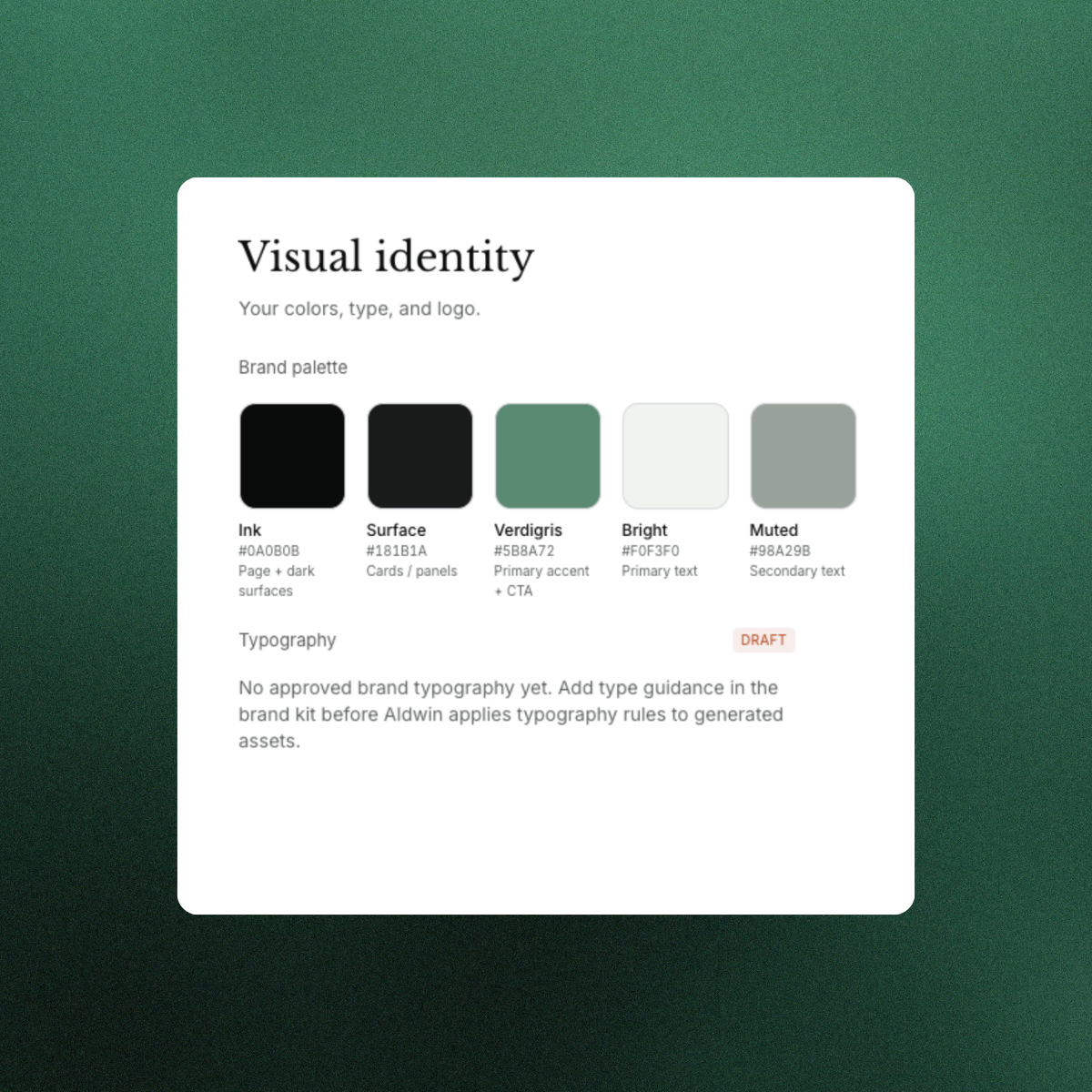
Customer onboarding journey

Onboard new customers

Use customer stage, education, milestones, and product signals to trigger the right Customer Success actions.
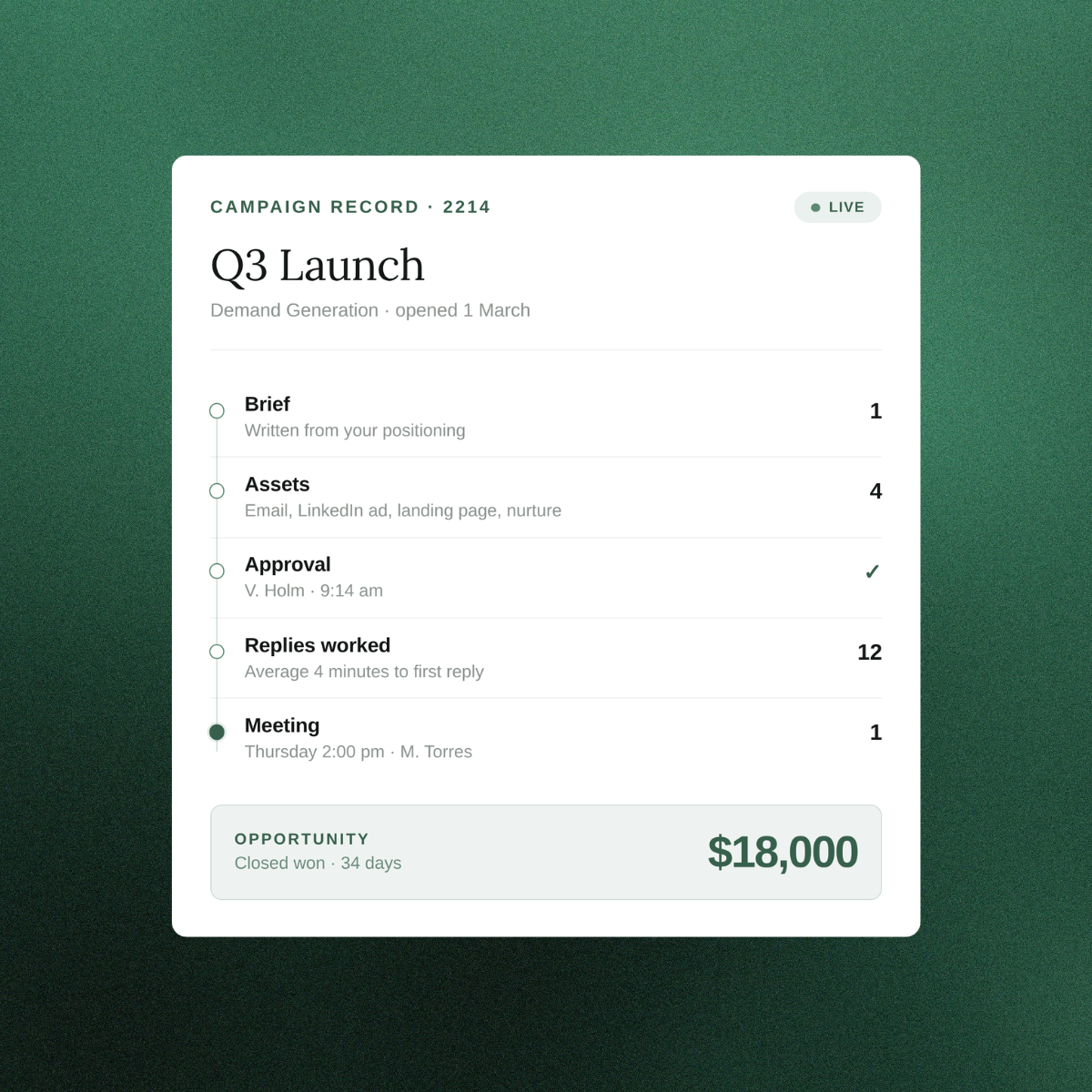
Re-engagement nurture

Re-engage inactive accounts

Use eligibility, recent activity, exclusions, and relevant content to build the right re-engagement path.
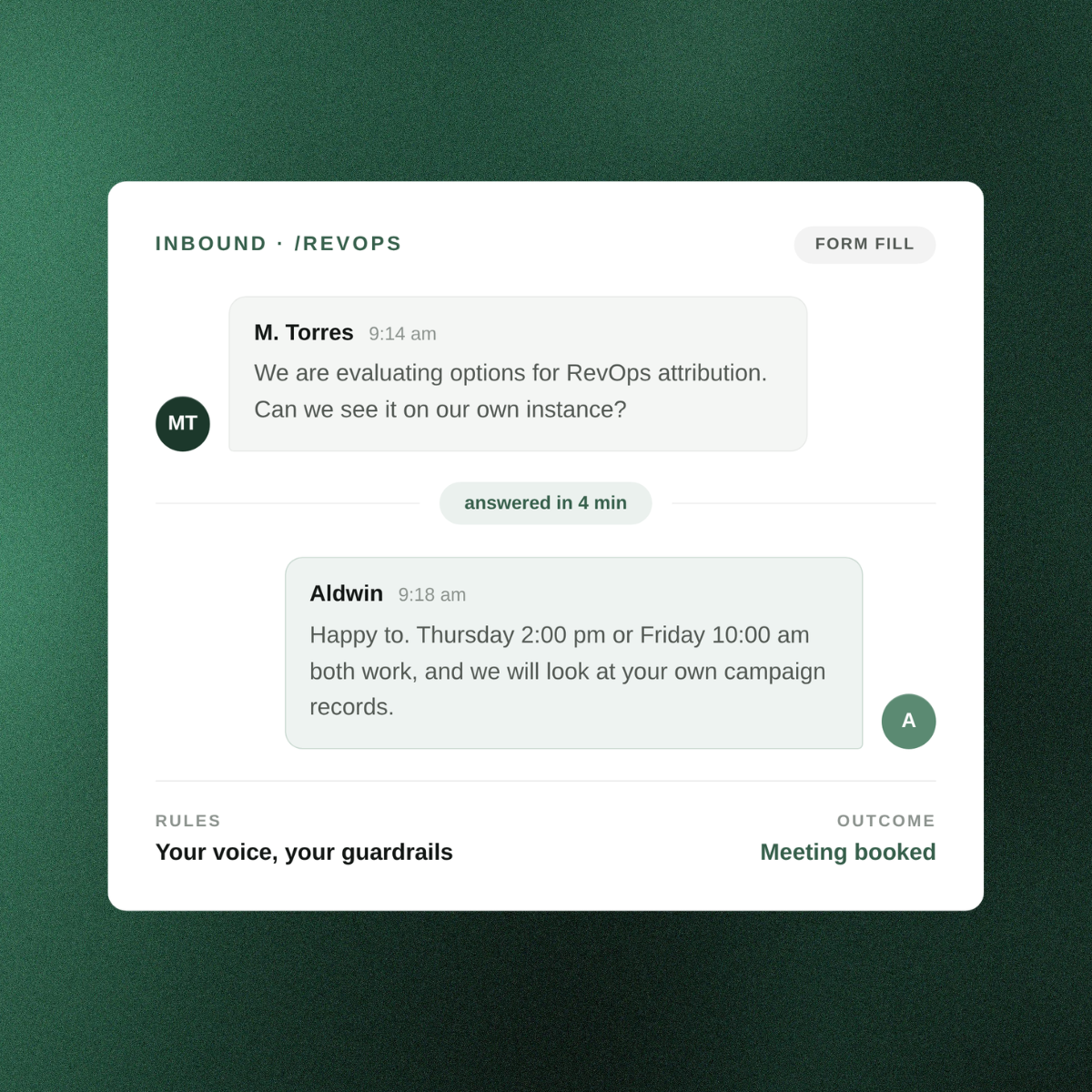
Form follow-up

Follow up on a form fill

Turn the submission into the right Salesforce update, response, and owner routing.
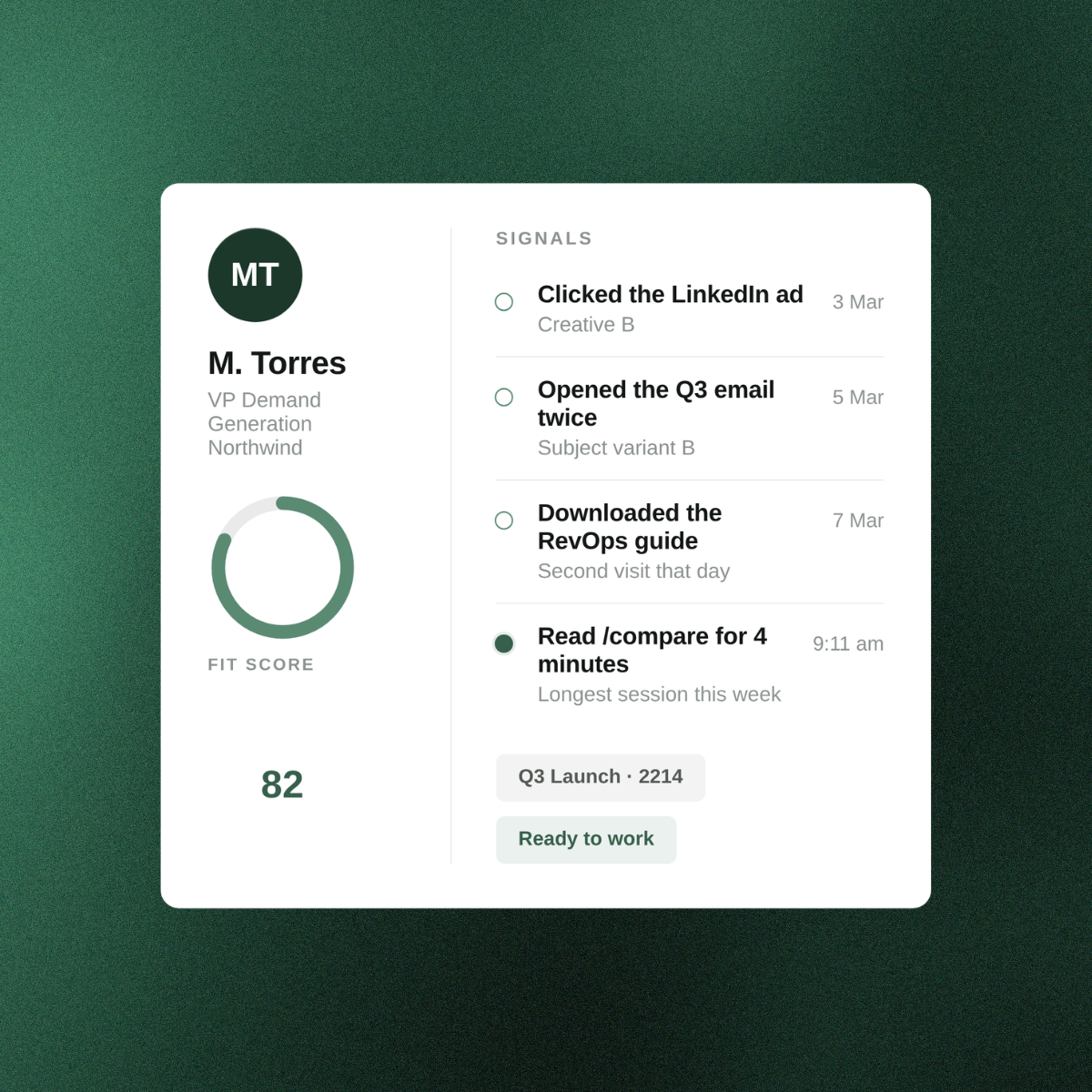
Lead routing

Route the right leads

Route leads using fit, intent, account context, territory, ownership, and fallback rules.
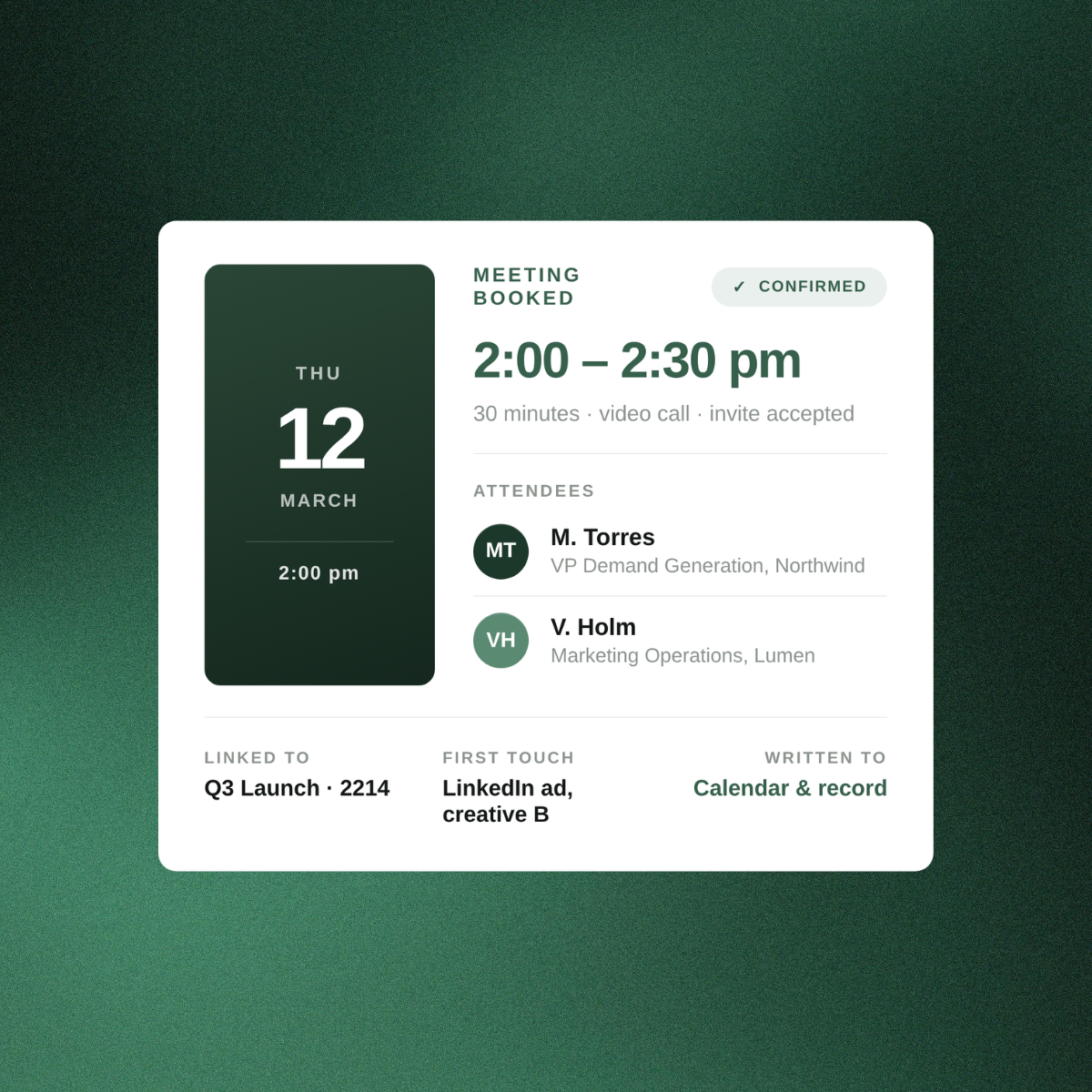
High intent response

Respond to high intent

Use account activity, opportunity context, content, and timing to coordinate the next Sales follow-up.
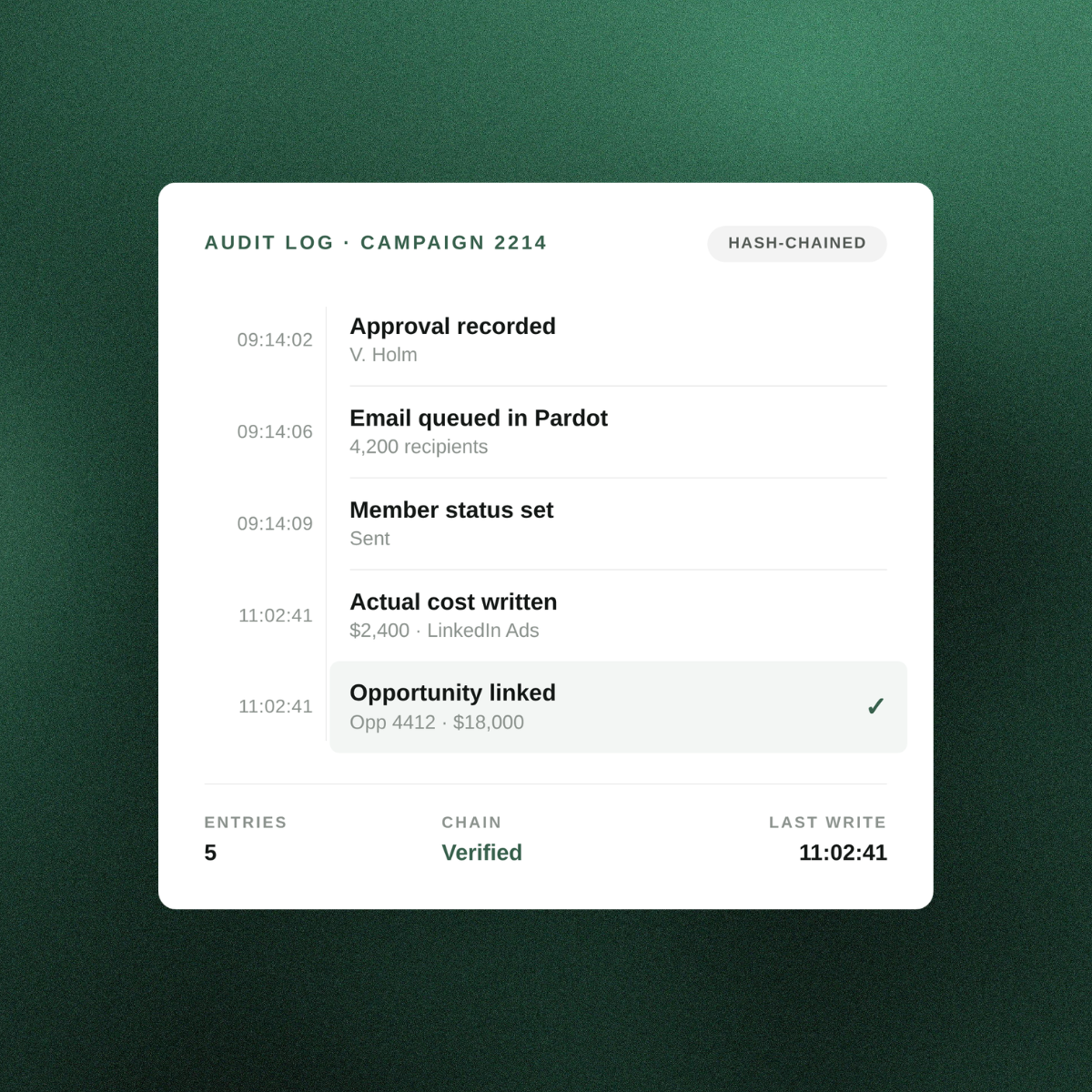
Buying group activity

Respond to buying-group activity

See who is engaging across the account, then coordinate the right content and follow-up by role.

Customer adoption

Drive product adoption

Use customer stage, education, usage signals, and milestones to trigger the right Customer Success follow-up.
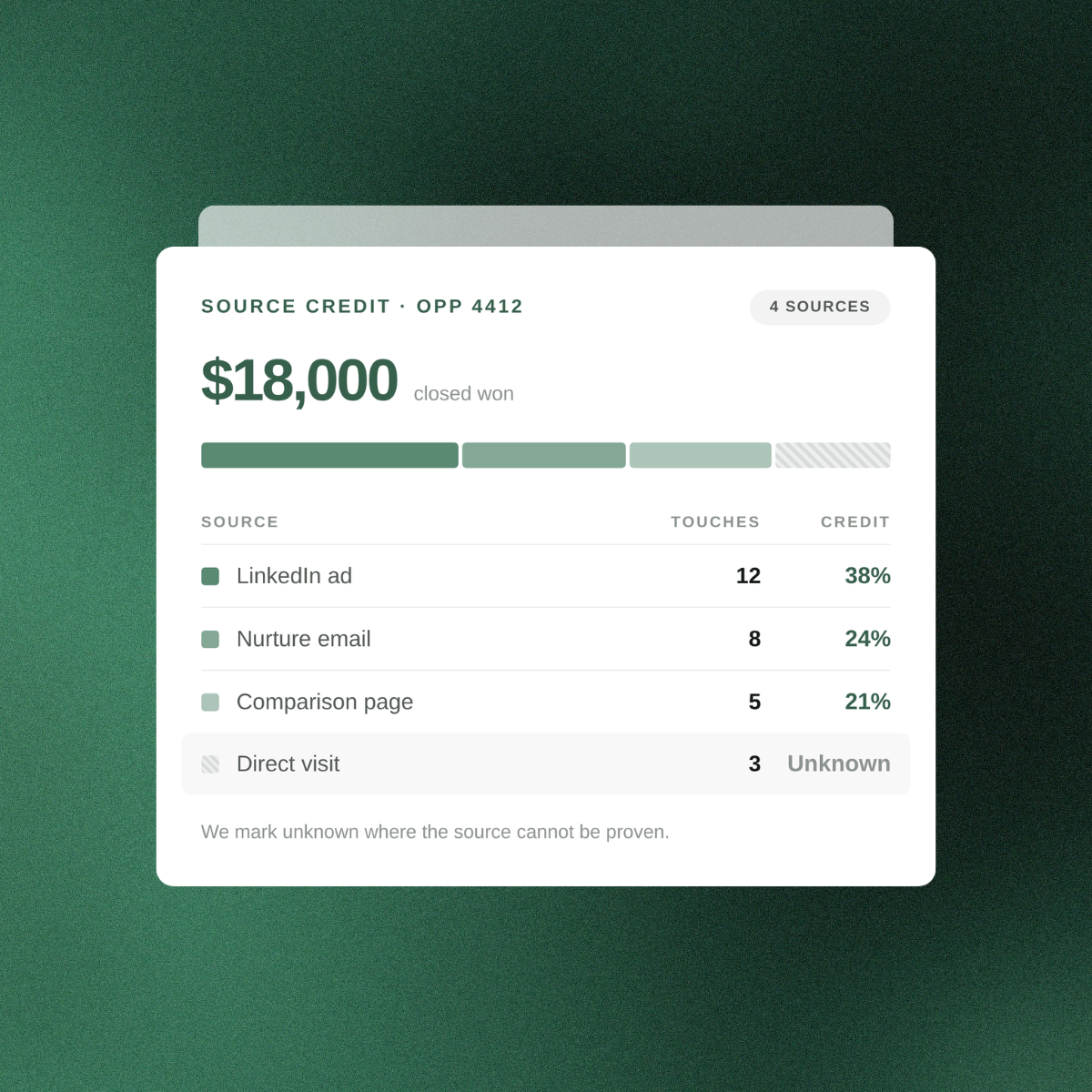
Expansion program

Support expansion

Combine adoption, lifecycle stage, opportunity context, and content to coordinate the right Sales or Customer Success handoff.
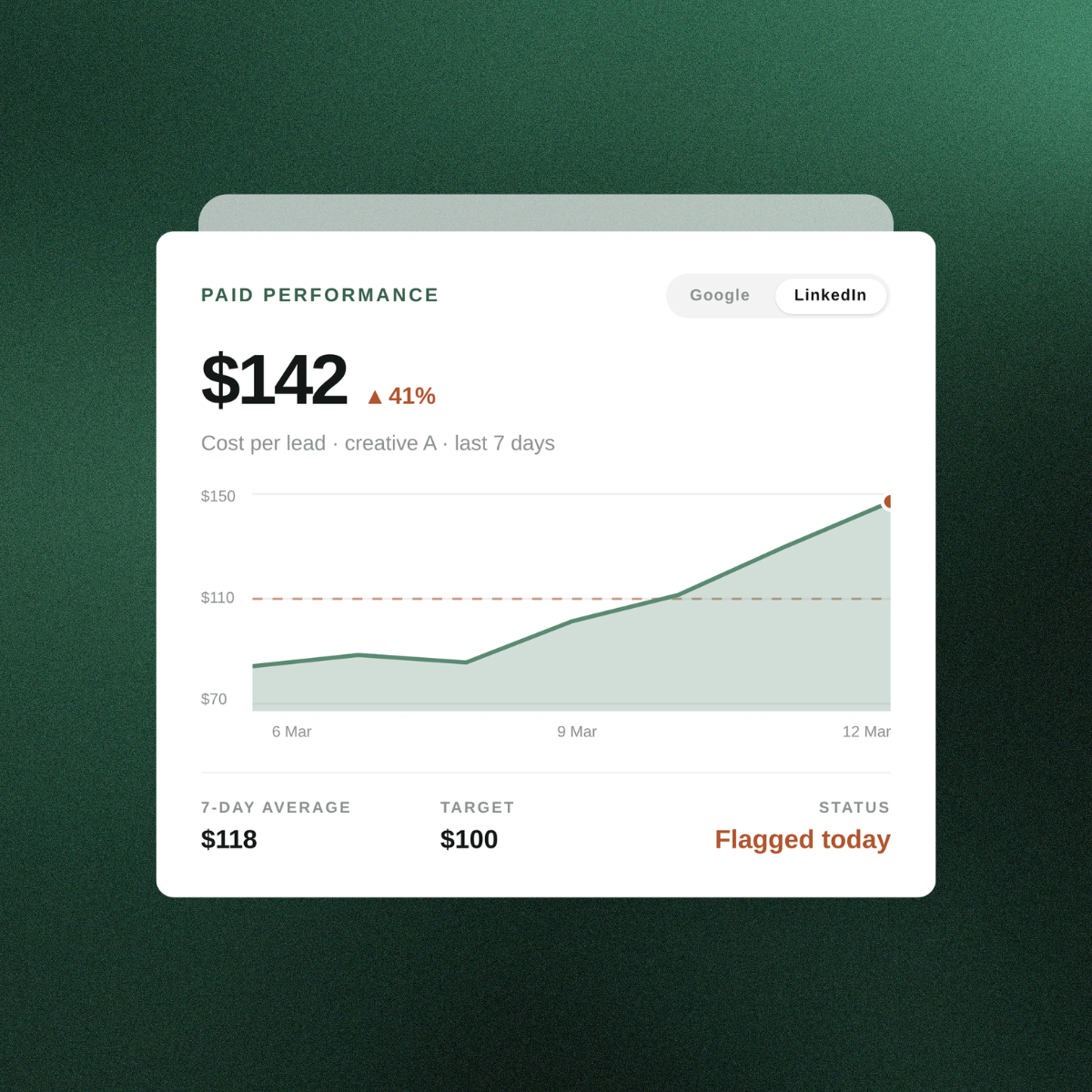
Monthly newsletter

Run the monthly newsletter

Collect new content, assemble the issue, review it, select the audience, schedule the send, and carry results forward.
Nurture repair

Repair a nurture

Inspect the current logic, stale content, exclusions, and affected participants before publishing a new version.
Campaign operations cleanup

Clean up campaign operations

Fix audience rules, Salesforce Campaign setup, dependencies, and mismatches, then verify the changes.

CONTENT ACROSS THE BUYING JOURNEY

Find the content you have. See what the journey is missing.

The questions change as people discover a problem, evaluate an approach, and choose a solution. Connect your content to the stages, roles, and needs it supports, then see where coverage falls short.

Intelligence Opportunities

Intelligence

Updated 2 minutes ago
Findings 8 open
Finding New
14 target accounts are showing renewed product interest

Previously quiet accounts returned to product, pricing, and implementation content.

14 accounts 48 hours High intent
Finding Review
Enterprise nurture engagement has fallen for 3 weeks

Click-through has declined while the same content sequence continues to run.

1 journey 3 weeks
Finding Open
Security content is missing for late-stage accounts

21 active opportunities viewed implementation material without relevant security follow-up.

21 opportunities Content gap
Finding Open
7 customers are entering expansion eligibility

Product adoption and account state now match the expansion criteria used by Customer Success.

7 customers Lifecycle
Objectives 5 active
Objective Planning
Launch the analytics product to enterprise accounts

Coordinate audience, launch content, follow-up, Salesforce tracking, and measurement.

Oct 14–31 Enterprise Demand Gen
Objective Draft
Refresh the enterprise evaluation nurture

Update the content and branching for accounts moving through evaluation.

Lifecycle Q4
Objective Draft
Build the October customer newsletter

Assemble new customer content and route it through review and scheduling.

Newsletter Oct 28
Objective Planned
Re-engage inactive high-fit accounts

Build an audience and response for accounts inactive for more than 60 days.

ABM Q4
It writes as it works

Membership and contact roles, filled at the moment of contact.

Nothing is walled off

Every object and every rule, changed through one interface.

Every change is a diff

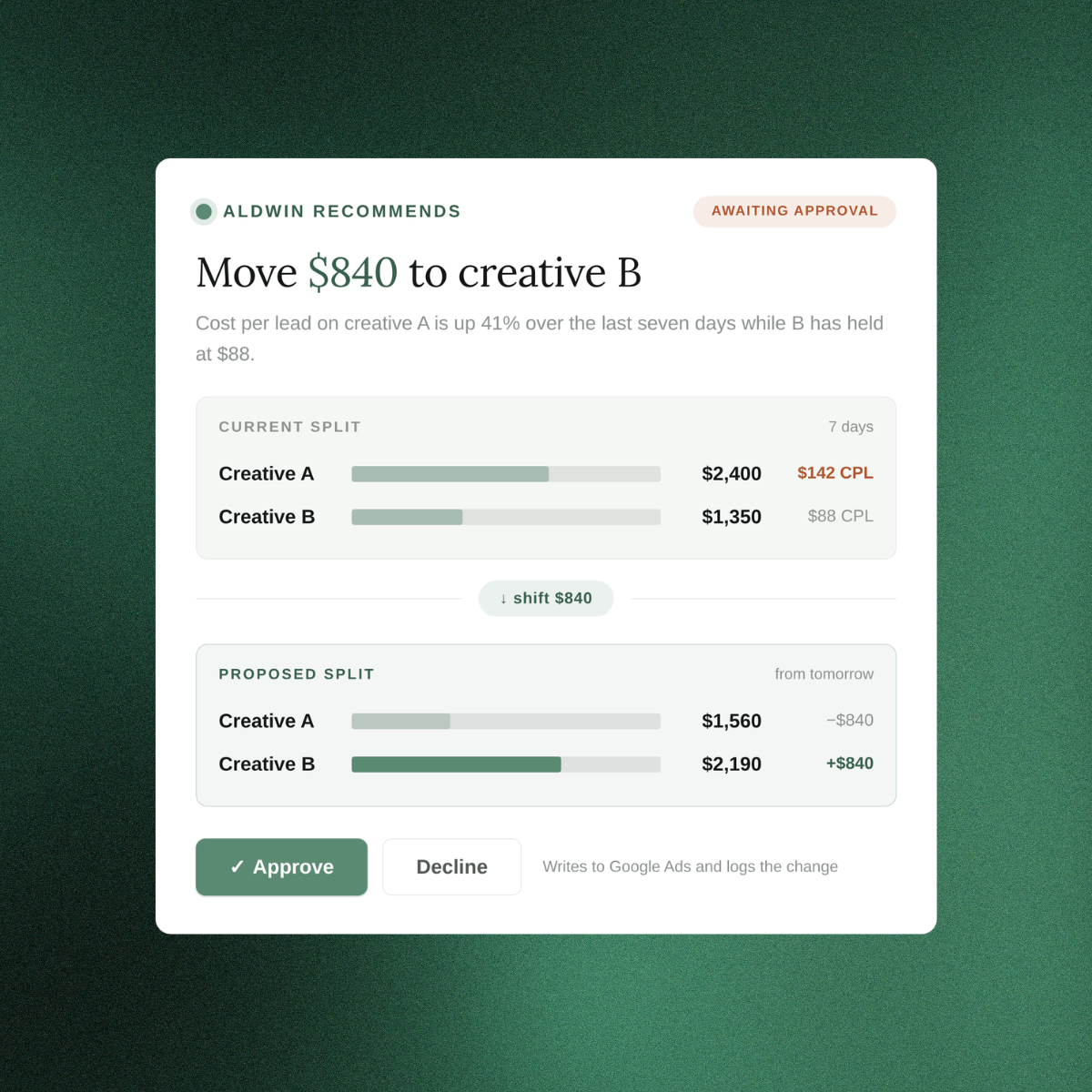
See what will change before it applies. Undo it after.

It knows your instance

Your templates, fields and campaign history are its context.

One agent, not thirty

Nothing to configure, because nothing is out of reach.

CONTENT ACROSS THE BUYING JOURNEY

See the situation before choosing the campaign.

A change in account activity can suggest a useful response without proving buying intent. Inspect the evidence, existing marketing, and unanswered questions together.

Answers your IT team can read today.

FROM DECISION TO BUILD

Carry the reason into the work.

When your team chooses a response, Aldwin carries the evidence, audience, objective, and open questions into the campaign or journey draft. The builder can see what prompted the work and what it is meant to change.

QUESTIONS WORTH INVESTIGATING

Ask the question behind the numbers.

Start with the account, audience, content, or lifecycle question your team needs to answer. Investigate the connected records and activity, then use the finding to decide what to change.

EVIDENCE AND JUDGMENT

Know what is observed and what is inferred.

Aldwin keeps source evidence separate from its interpretation. Review the facts, calculations, and uncertainty behind a recommendation before deciding whether to pursue it.

RESULTS AND LEARNING

Follow the result back to the decision.

Keep the original evidence and intended response connected to the campaign or journey that ran. Use the available results to reconsider the audience, content, timing, or interpretation behind the next build. Review who received the work, what they engaged with, and which changes followed. Where the evidence is incomplete, keep that uncertainty with the conclusion.

What is an AI-native marketing development environment?

One place to turn a marketing objective into a working, governed program: audiences, content, journeys, and measurement, built and run on the systems you already have instead of assembled by hand across studios and tabs.

How is Aldwin different from the platform we run today?

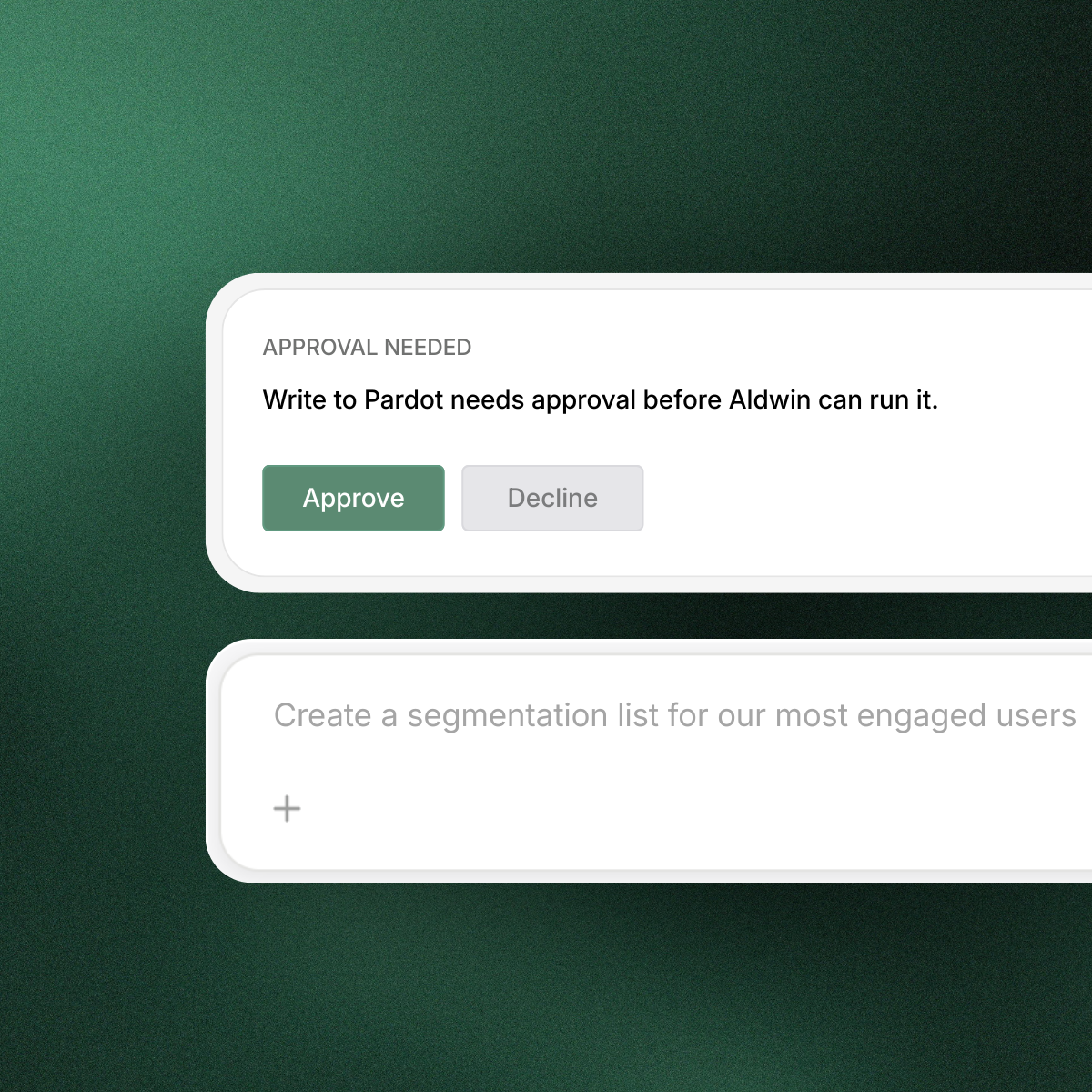
Your platform stores and sends. Aldwin builds the program between those two points and shows its work: every audience, every change, every check, as a diff you approve before it runs.

We already have AI features in our platform. Why Aldwin?

Bolted-on AI drafts a line and stops. Aldwin was built around AI, so a suggestion arrives as finished work in your instance, prepared, checked, and ready for your approval.

Does Aldwin replace my marketing team? +

No. It does the assembly work your team does by hand today, so the people stay on the judgment: the strategy, the offer, and the call on what ships.

Which channels does Aldwin run?

Today the program runs on Salesforce, Pardot, and Google Ads, led by email. Adjacent surfaces are added one workflow at a time, each governed the same way.

Do I stay in control of what Aldwin creates?

Always. Nothing reaches your instance without a diff and your approval, and the reversible work can be rolled back after.

Can Aldwin match how our business is actually structured?

It reads your own model, your objects, fields, templates, and campaign history, and works inside it rather than asking you to fit a template.

What’s live today?

Today Aldwin works inside Salesforce, Pardot, and Google Ads. Ask it anything about your instance. It builds emails in your own Pardot templates, drafts and revises them through an approval queue, and prepares campaigns, audiences, and lists across Salesforce and Pardot, with every Salesforce change routed through approval and audit. The first program we take on end to end is email, on Salesforce and Account Engagement. Every adjacent surface is being added one workflow at a time, and each one lands the same way: governed, inspectable, and approved before it runs.

Who is Aldwin built for?

Corporate B2B marketing teams running Salesforce and Account Engagement who carry real program volume and want to build faster without giving up control of their instance.

What makes Aldwin defensible over time?

It accumulates the context a horizontal tool never sees: your permissions, your connected state, the diffs you approved, and the decisions that led to outcomes. The longer it runs, the more it knows your instance.

How much does Aldwin cost?

Priced for clarity: no metering, no credits, no surcharge. Design-partner pricing is set for the first cohort. Book a demo and we will walk you through it.

Can I try Aldwin before committing?

Yes. The design-partner cohort is how the first teams start, month to month with no annual lock. Book a demo and we will scope your first program together.

Frequently asked questions about Aldwin

Aldwin is the AI-native marketing development environment for Salesforce teams. It turns a marketing objective into a governed program on the stack you already run. You direct it, you approve it, and nothing ships without you.

Build more of what you imagine.

Give Aldwin one line. It prepares the campaign, shows you every change, and nothing goes live until you approve it.